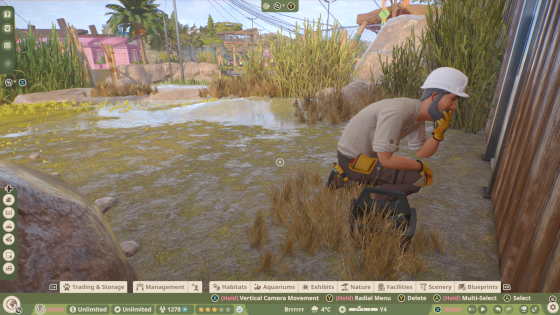
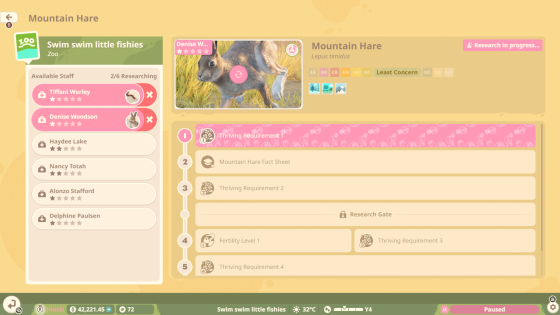
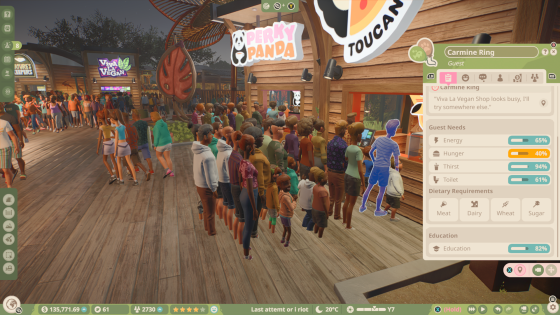
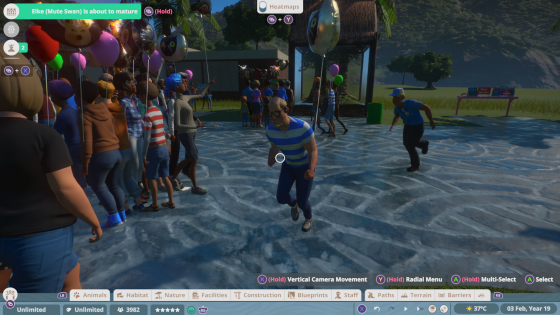
One of the best things about Planet Zoo 2 is the freedom to design and build the perfect zoo however you want. Whether that’s a massive zoo with multiple entrances and different themes, or a stunning underground aquarium. There’s freedom to literally build the zoo as you see fit.
While blueprints can help make the whole process easier, especially if you’re having a bit of a creative block, sometimes you just want to start from scratch and build it all yourself, piece by piece.
The only problem is, some players are have recently taken to social media to express their annoyance at the new Planet Zoo 2 interface. In particular, how much trouble they’ve been having finding the basic shops and staff buildings. But don’t worry, they haven’t gotten rid of them.

Just like users have described, I went on and tested, and sure enough, the first thing I noticed when looking at the facilities menu, was a bunch of blueprints, and no basic staff buildings in sight.
What Is the Essentials Filter in Planet Zoo 2
The Essentials filter is a feature in Planet Zoo 2 designed to make building a little easier by limiting the selection to items and blueprints which players are much more likely to use frequently, therefore saving them time when looking for them.
While it’s a useful idea for new players, it can be pretty annoying for those of us who like to create our own buildings from scratch, especially if like a lot of players, you had absolutely no idea what that big pink button actually does.
Depending on the experience settings you chose when starting Planet Zoo 2, the filter might already be enabled, hiding a lot of the building pieces you’re looking for.
And it’s not just shops and staff facilities. The Essentials filter can also hide other building items, so, in short, if you can’t find anything, press the Essentials Filter button, and it might just show up. You’ll also find that many of the less common items, such as guest entrances will be hidden if you have the filter on.
Finding Basic Shops and Staff Buildings
Whether you’re looking for an undecorated shop, staff room, keeper hut or another facility, here’s how to find them:
- Open the Facilities building menu.
- Look for the Essentials button near the search bar.
- If the Essentials button is highlighted pink, click it to turn the filter off.
- You should now be able to see the basic, undecorated shops and staff facilities.

That’s it! You can now get back to building your own custom shops and staff areas without having to place a premade blueprint and spend ages deleting all the decorations first.
Frequently Asked Questions
Does turning off Essentials affect buildings I’ve already placed?
Is the Essentials filter only available in the Facilities menu?
Support Unboxed Reviews
Donations are entirely voluntary. Supporters receive no editorial influence — our reviews remain 100% independent.